

AI Transcribe & Sub Translate Pro
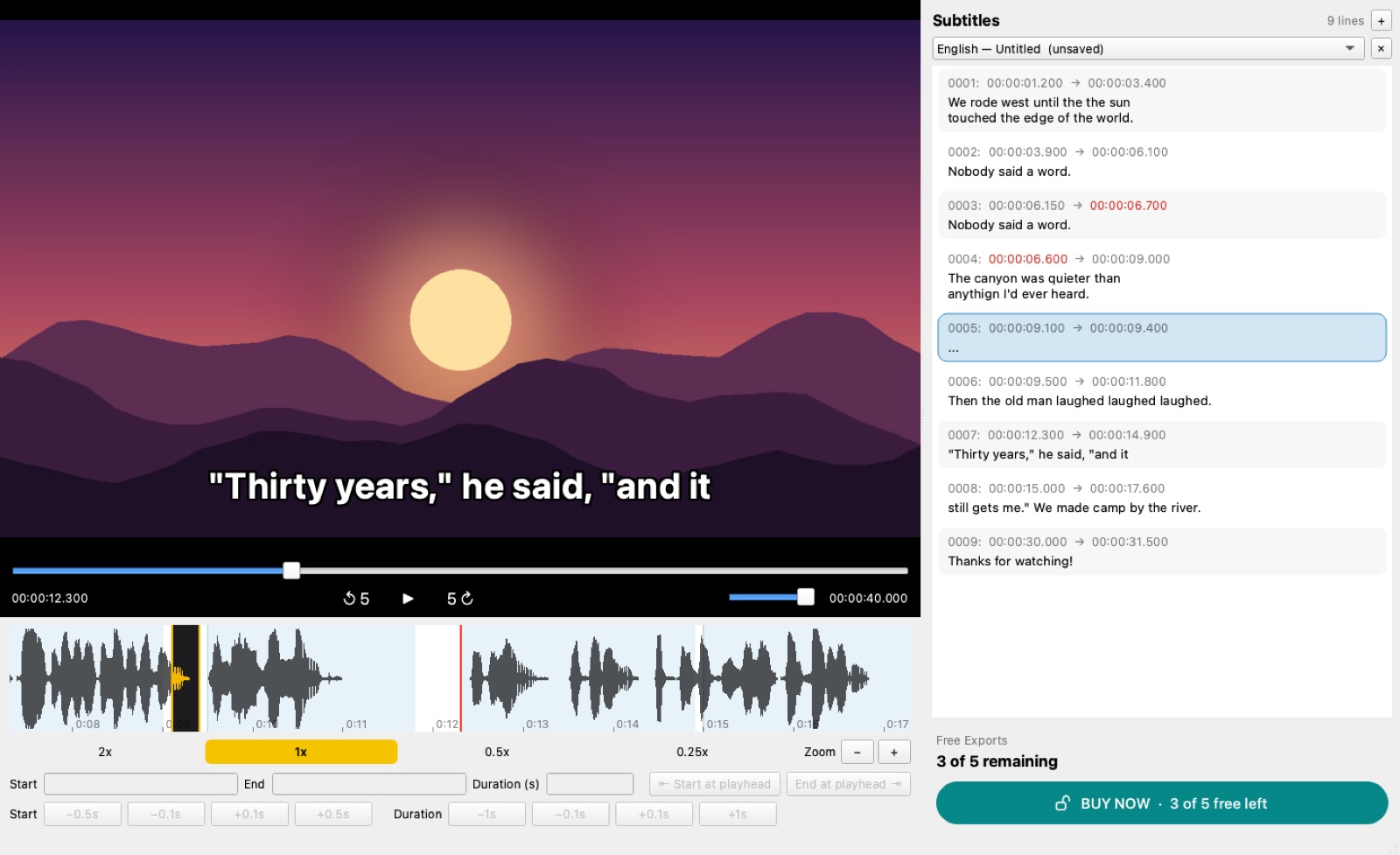
Subtitles and translations, done in minutes.
Turn speech into perfectly timed subtitles with AI, translate them into 100+ languages and fine-tune every line on the audio waveform.
€29.00Free for 5 exports
Subtitles and translations in minutes, dialogue you can finally hear, the films you're looking for, one post on every network and websites that are always backed up. Each app does one job well, runs on your Mac and is yours to keep.
Free for the first 5 uses · No account · No subscription
Every Code Boop app is a real Mac app: it opens your files directly, follows the Mac's keyboard shortcuts, plays sound through your headphones or AirPods the moment you connect them and updates itself in the background. The heavy work, such as cleaning up sound or video, runs on your own Mac, so your files are not uploaded anywhere.
Where an online AI service does a job better, for example transcription or translation, you use your own key with services like Groq or OpenAI, many of which have free tiers. You pay them directly, only for what you use, and Code Boop never sees your files.
Each app is free for its first 5 uses with no account and no card. If it does the job, you buy it once and keep it: updates within your version are free, and owners pay half for a new major version.
Each app does one job well. Buy only what you need: every license is a one-time payment for one Mac.
Subtitles and translations, done in minutes.
Turn speech into perfectly timed subtitles with AI, translate them into 100+ languages and fine-tune every line on the audio waveform.
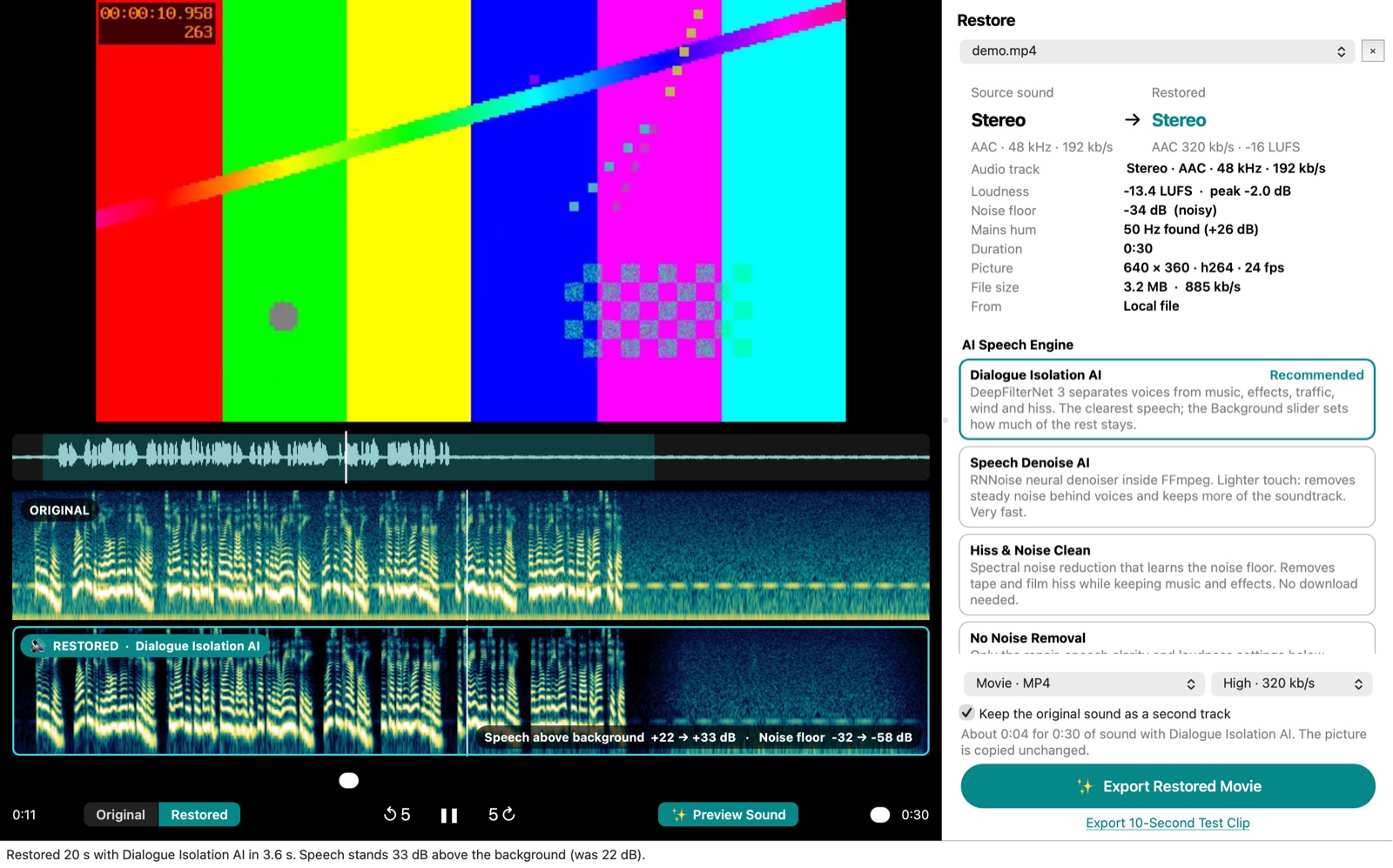
Make every word of dialogue clear.
Clean up noisy movie soundtracks: AI separates voices from music, wind, traffic and hiss, then evens out the loudness — the picture stays untouched.

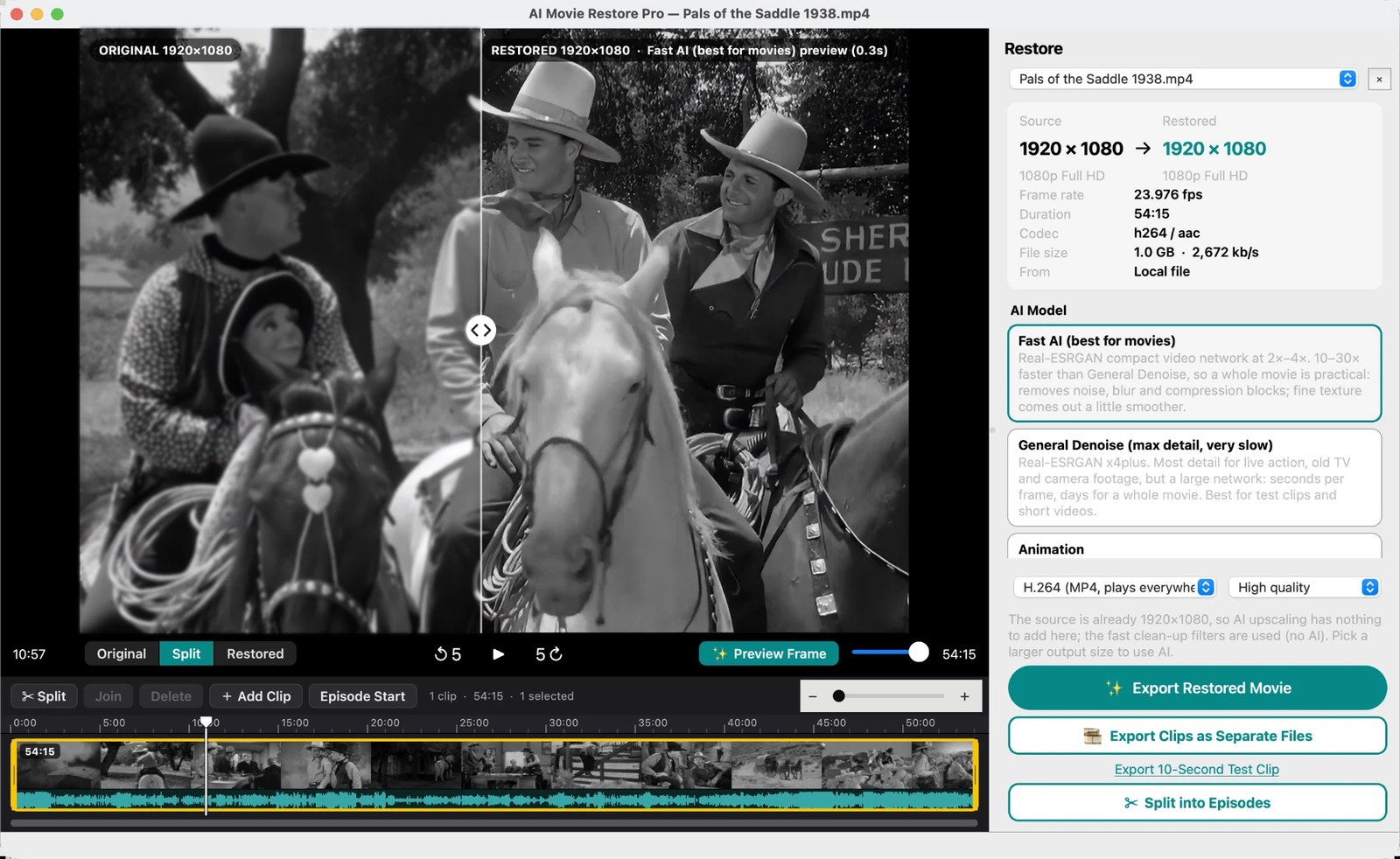
Old films, new detail — edit, restore and export in one click.
Restore and upscale old or low-quality video with AI, edit it on an iMovie-style filmstrip, adjust levels and colour live, and export in one click — right on your Mac.
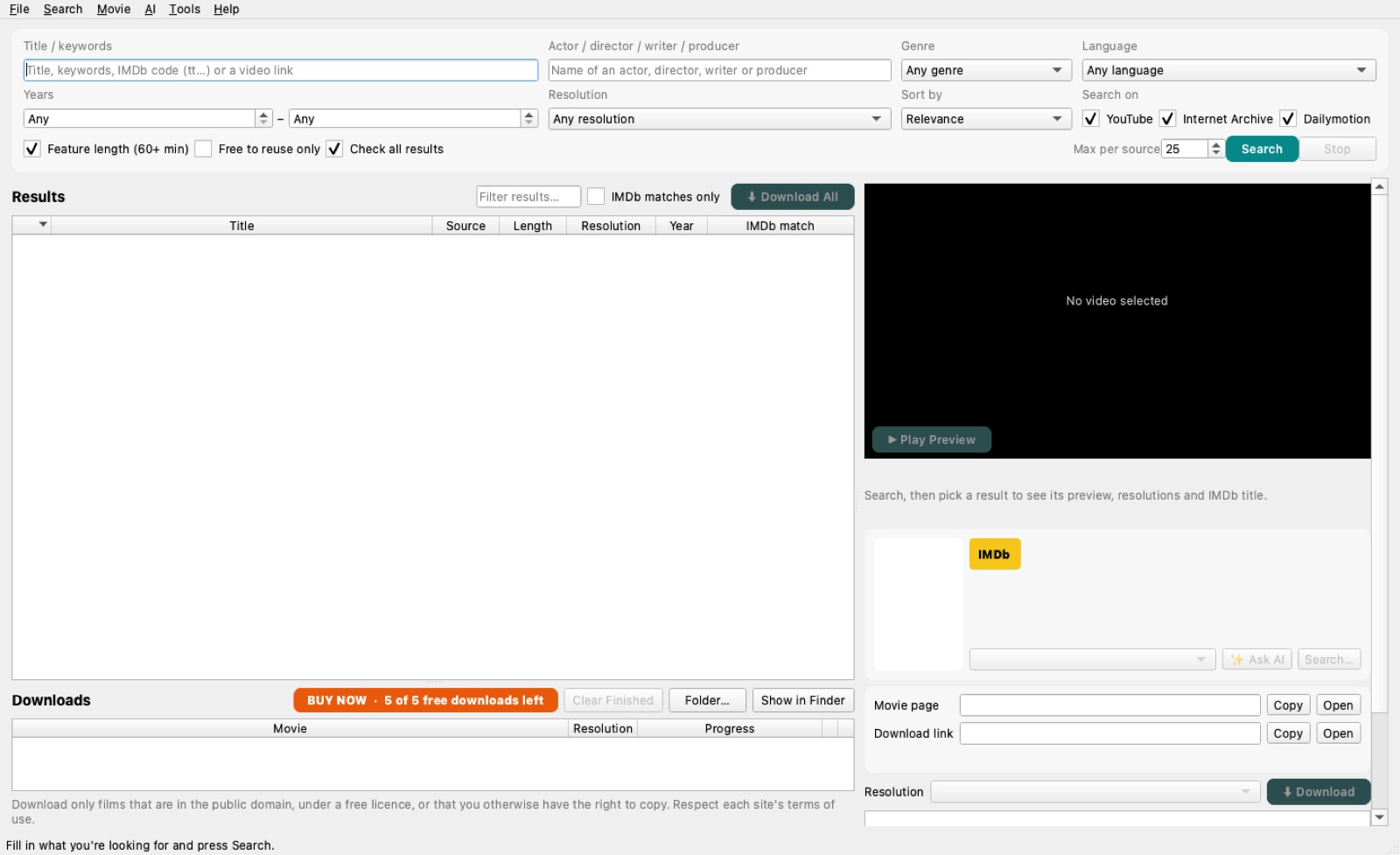
Download movies from most online sites.
Download movies from most online sites — paste a link from YouTube, Vimeo, Dailymotion, the Internet Archive or about 1,800 other sites — or search for full-length films, see every resolution and match them to IMDb.
📱 iPhone, iPad & Android — early 2027
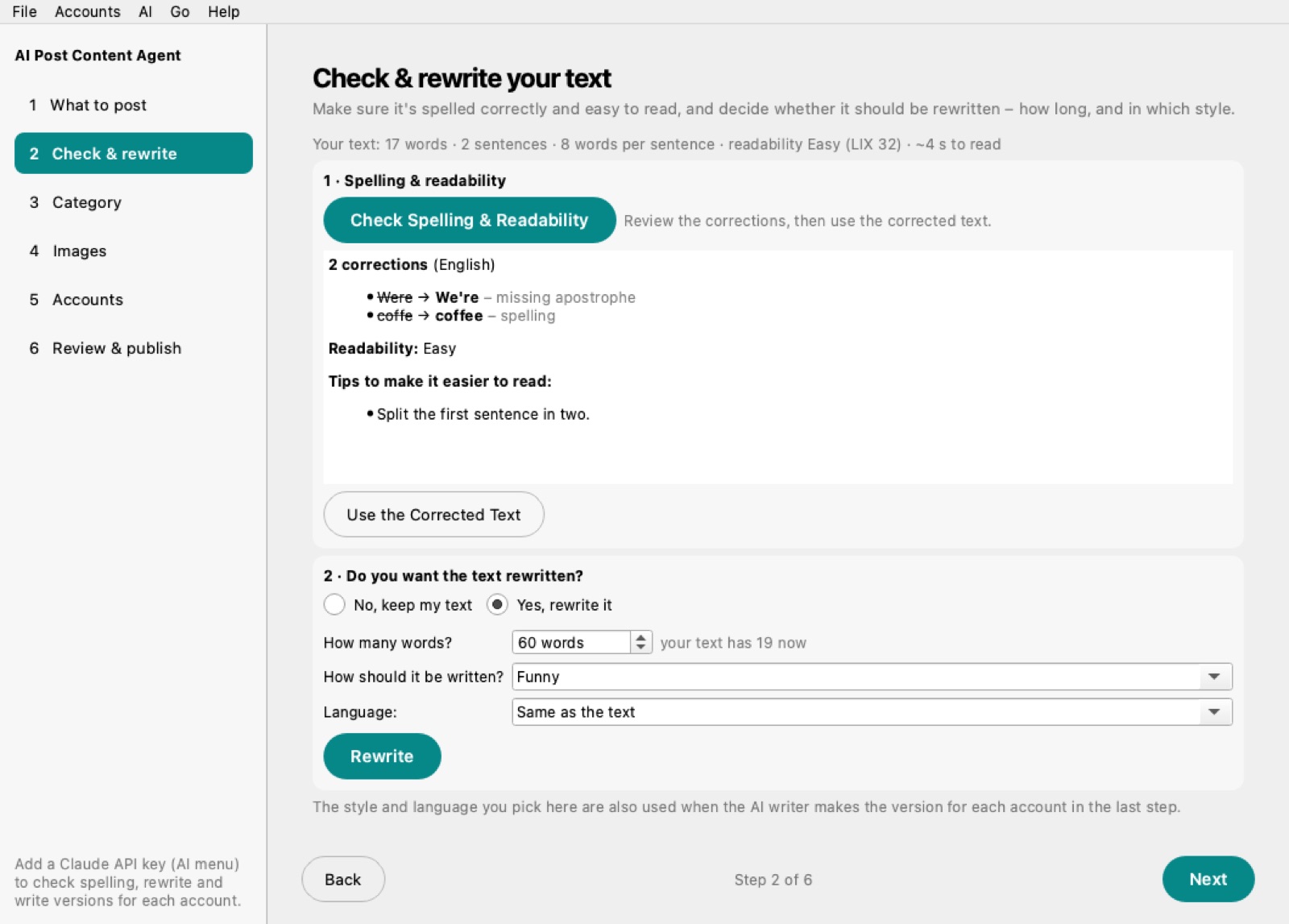
Write once. Post everywhere.
Write a post once — AI checks spelling and readability, rewrites it in the style you want and publishes a tailored version to your social accounts and websites.
📱 iPhone, iPad & Android — early 2027
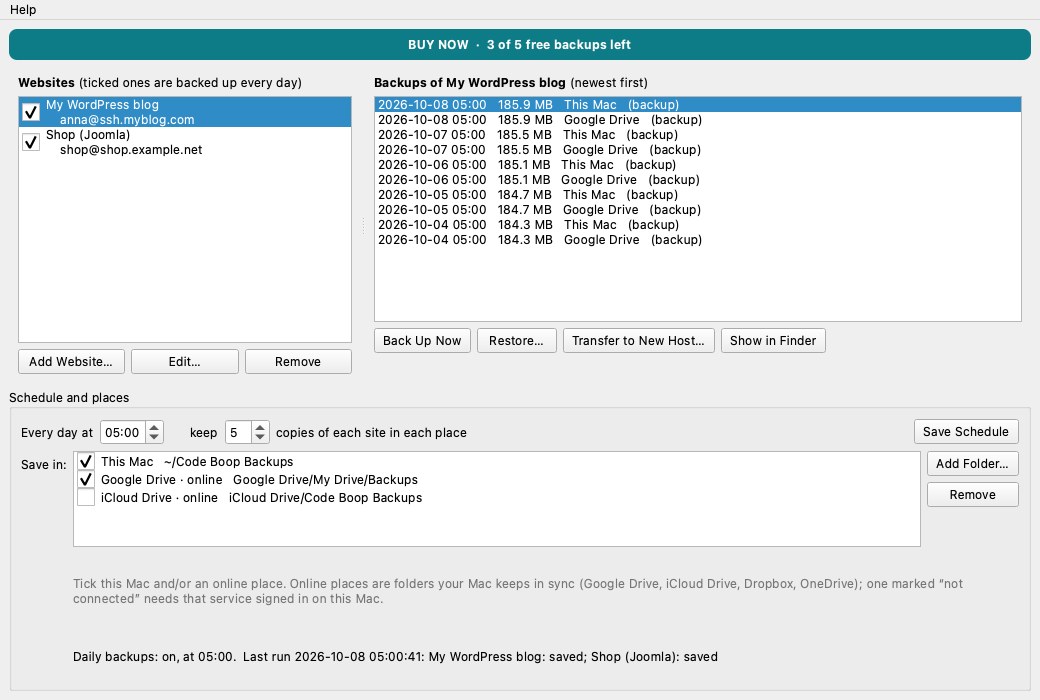
Your websites, safely backed up.
Daily backups of your website, saved on your Mac or in Google Drive, iCloud or Dropbox, with one-click restore and moving to a new host.

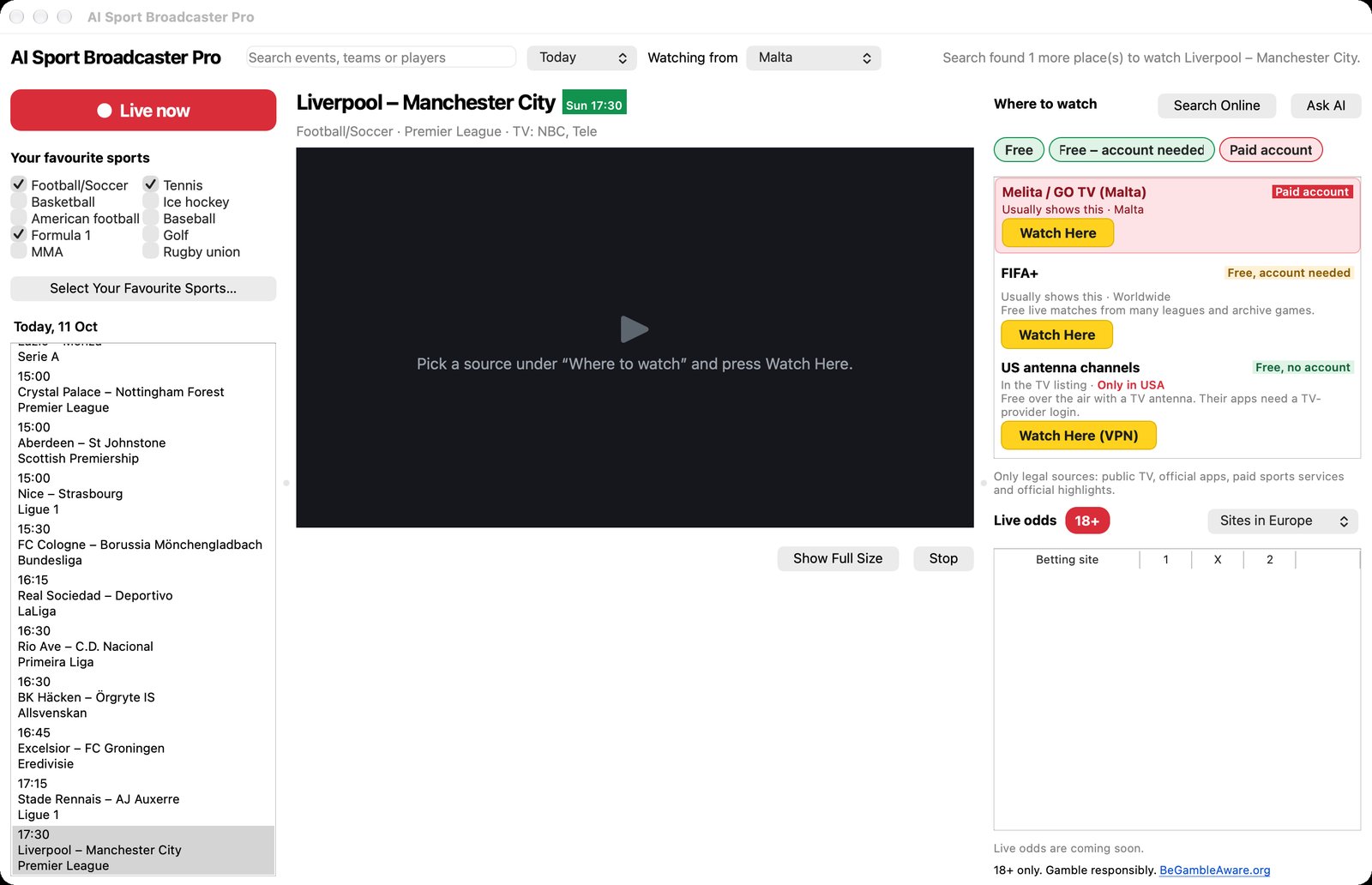
Today's sport, where to watch it and the live odds.
Every match of the day with live scores, the legal ways to watch it — free, free with an account or paid — and live odds from the big betting sites, on your Mac.
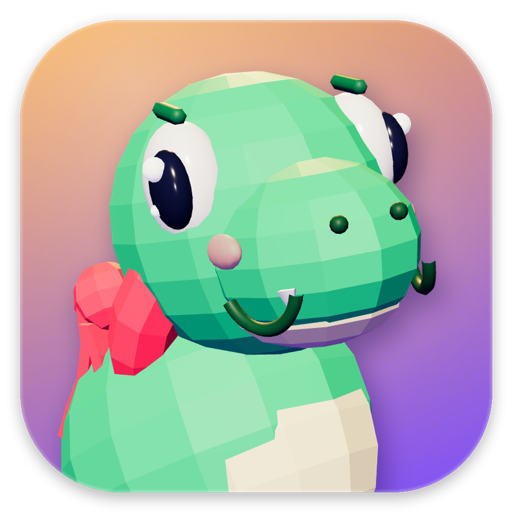
The Great Egg Chase: a free 3D dino runner for your Mac.
Run, jump and duck through five 3D worlds as Rexo, a little green dino with a red scarf, to win back the Golden Egg from Baron Pterrax. Free to play, no ads.

Fight your way out of a zombie-infested castle – the first 3 floors are free.
A first-person shooter set in a castle overrun by zombie soldiers. 10 floors and a boss – play the first 3 free, unlock the full game for €6.90. No ads.
A one-time price instead of a monthly subscription. Updates within your version are free.
Sound and video are processed on your own computer. Nothing is uploaded unless you choose an online AI service.
Transcription, translation, dialogue isolation, upscaling and writing help, each where it saves you real time.
Standard shortcuts, drag and drop, headphones and AirPods followed automatically, and automatic updates.
The first 5 uses are free in every app, with no account, no card and no time limit.
For macOS 13 Ventura or later, on Apple Silicon and Intel Macs.
macOS 13 Ventura or later, on Apple Silicon and Intel Macs.
No. Download the app and use it. A license is a serial number sent by email when you buy, and the app unlocks itself the moment the payment goes through.
Sound and video restoration run entirely on your Mac. For AI transcription, only the audio goes to the speech service you choose, with your own key; translations send the subtitle text to the translation service.
Just the app. Apps that use local AI engines or download tools offer to install them on first start, in one step, and you can also do it later from the Help menu.
No. You buy each app once and keep it. Updates within your version are free, and a new major version costs owners 50% of the price.
Your privacy
May we count your visit with Google Analytics? It shows us which pages help and where visitors come from. Nothing is stored until you accept. We never use advertising cookies or sell your data.