
AI Sound Restore Pro
Make every word of dialogue clear.
Clean up noisy movie soundtracks: AI separates voices from music, wind, traffic and hiss, then evens out the loudness — the picture stays untouched.
€39.00Free for 5 exports
Learn more


Subtitles and translations, done in minutes.
Turn speech into perfectly timed subtitles with AI, translate them into 100+ languages and fine-tune every line on the audio waveform.
Free for 5 exports · macOS 13 Ventura or later · Apple Silicon and Intel
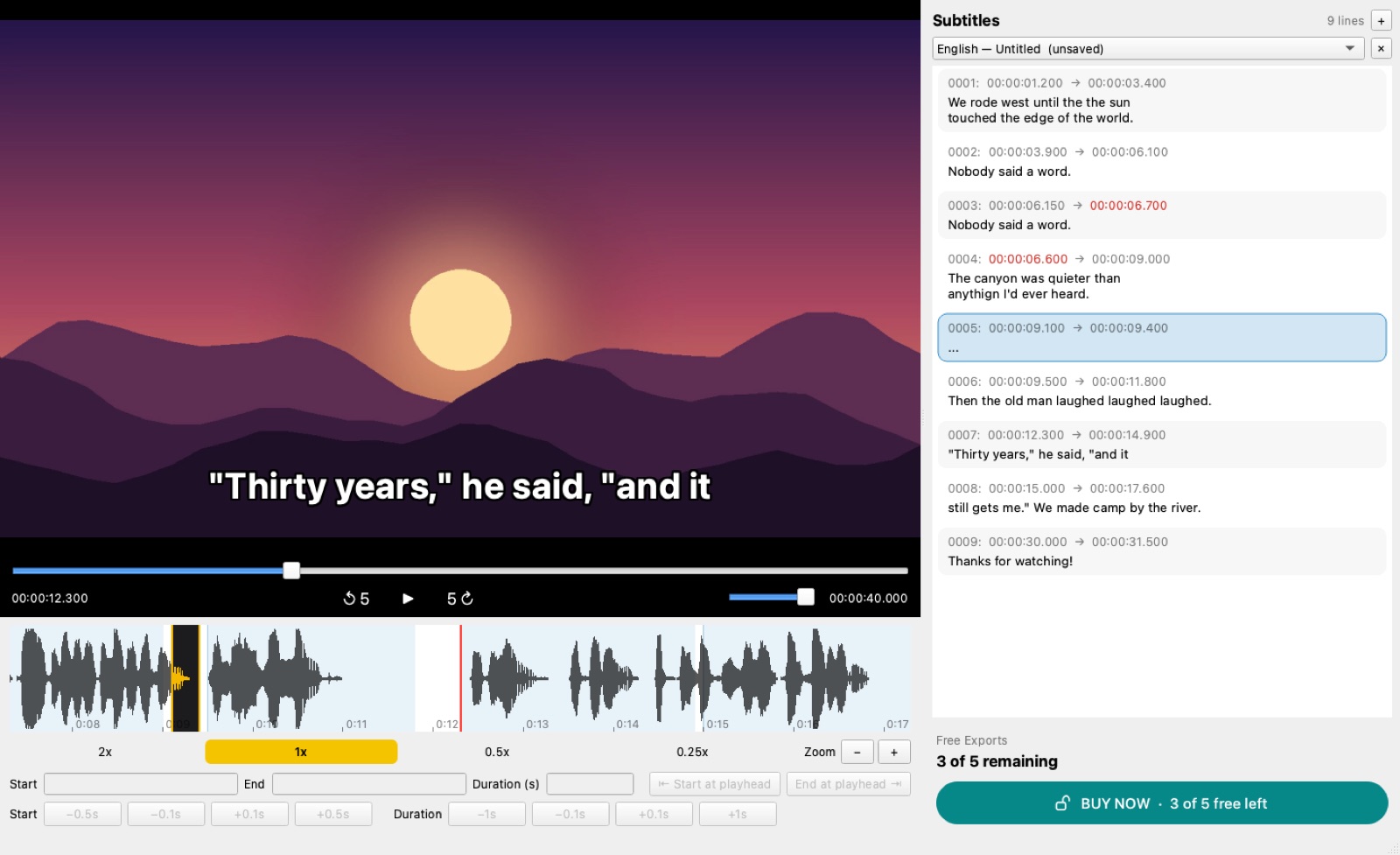
AI Caption & Translate Pro listens to your video and writes the subtitles for you — with timing. Then it translates them into any language and lets you check every line side by side with the original.
It even reads the text cards of silent movies and turns them into subtitles, and its AI clean-up removes misheard words and filler lines.
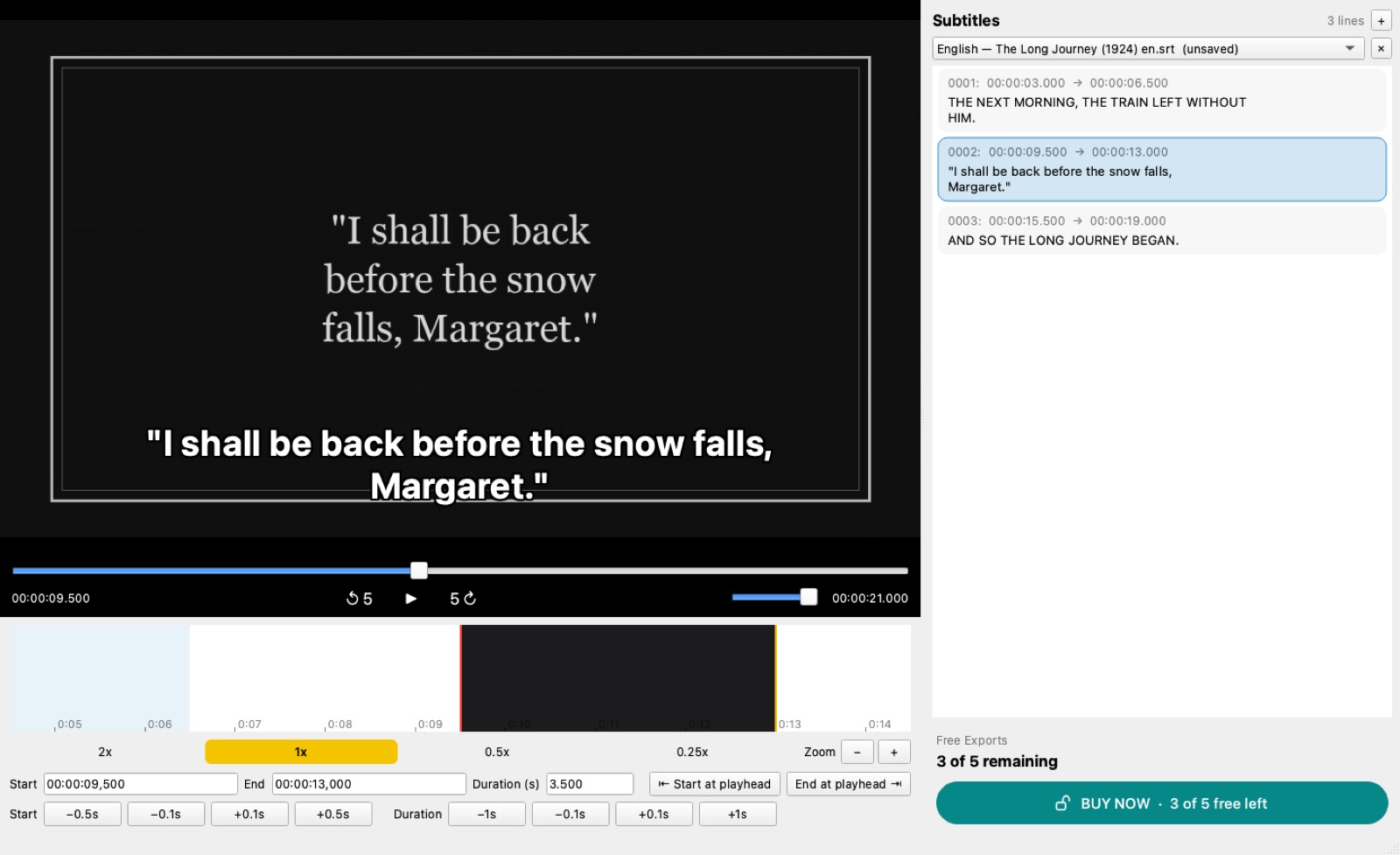
Open the video in AI Caption & Translate Pro and choose Transcribe. The speech is turned into timed subtitle lines with OpenAI's Whisper model (through Groq's free tier or your own OpenAI key), saved as an SRT file next to the movie.
Yes. Open any SRT, WebVTT, SAMI or TTML file and translate it into one or more of 100+ languages. Every translation keeps the original timing and opens as its own file, and you can check it line by line next to the original.
No. You buy the app once and keep it. The first 5 exports are free, with no account and no card.
Only the audio is sent, and only when you choose Transcribe, to the speech service you picked (Groq or OpenAI, with your own key). Editing, timing and file handling happen on your Mac. Translation sends the subtitle text to the online translation service.
Yes. Subtitles from Text Cards finds the intertitles of a silent movie, reads them with the Mac's built-in text recognition and turns each card into a timed subtitle line, ready to translate.
SubRip (.srt), WebVTT (.vtt), SAMI (.smi) and TTML. You can open one format and save another, for example VTT to SRT.
Make every word of dialogue clear.
Clean up noisy movie soundtracks: AI separates voices from music, wind, traffic and hiss, then evens out the loudness — the picture stays untouched.

Find the films worth keeping.
Search YouTube, the Internet Archive and Dailymotion for full-length films, see every resolution, match them to IMDb and save public-domain movies in one click.
📱 Also for iPhone & Android — coming soon
Write once. Post everywhere.
Write a post once — AI checks spelling and readability, rewrites it in the style you want and publishes a tailored version to your social accounts and websites.
📱 Also for iPhone & Android — coming soonYour privacy
We don't use tracking or advertising cookies, and we don't sell your data. This site only stores what you send us — for example a contact message — and payments are handled by Stripe.